
AI Music Video Generator Online
Turn any song into a viral music video with AirMusic AI Music Video Generator. Choose Director Mode for one-click creation or Custom Mode for full creative control. Stunning multi-scene videos from just $0.50 per scene, perfect for TikTok, YouTube and Instagram.

Checking your account...
See How YouTubers Use AirMusic's Music Video Generator
Watch real creator examples made with AirMusic, then compare pacing, framing, and visual styles before turning your own song into a multi-scene AI music video.
Break The Sky
Believer Live Concert
California Peaches
Neon Dreams
Midnight Stage
Electric Fantasy
Honey On My Tongue
Velvet Halo
Shadow Pulse
Falling for You
Under the Mistletoe Light
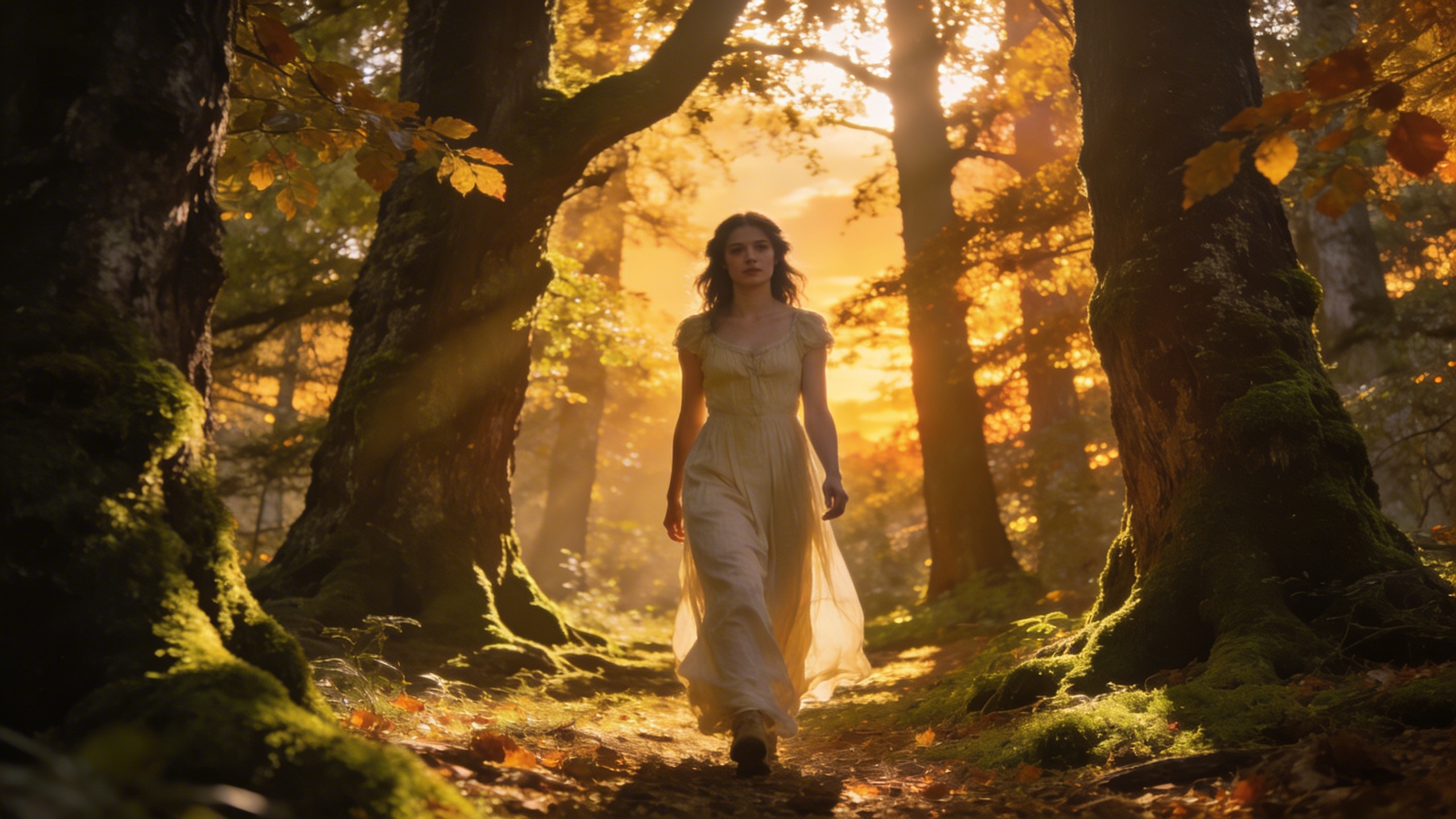
Springtime Stroll
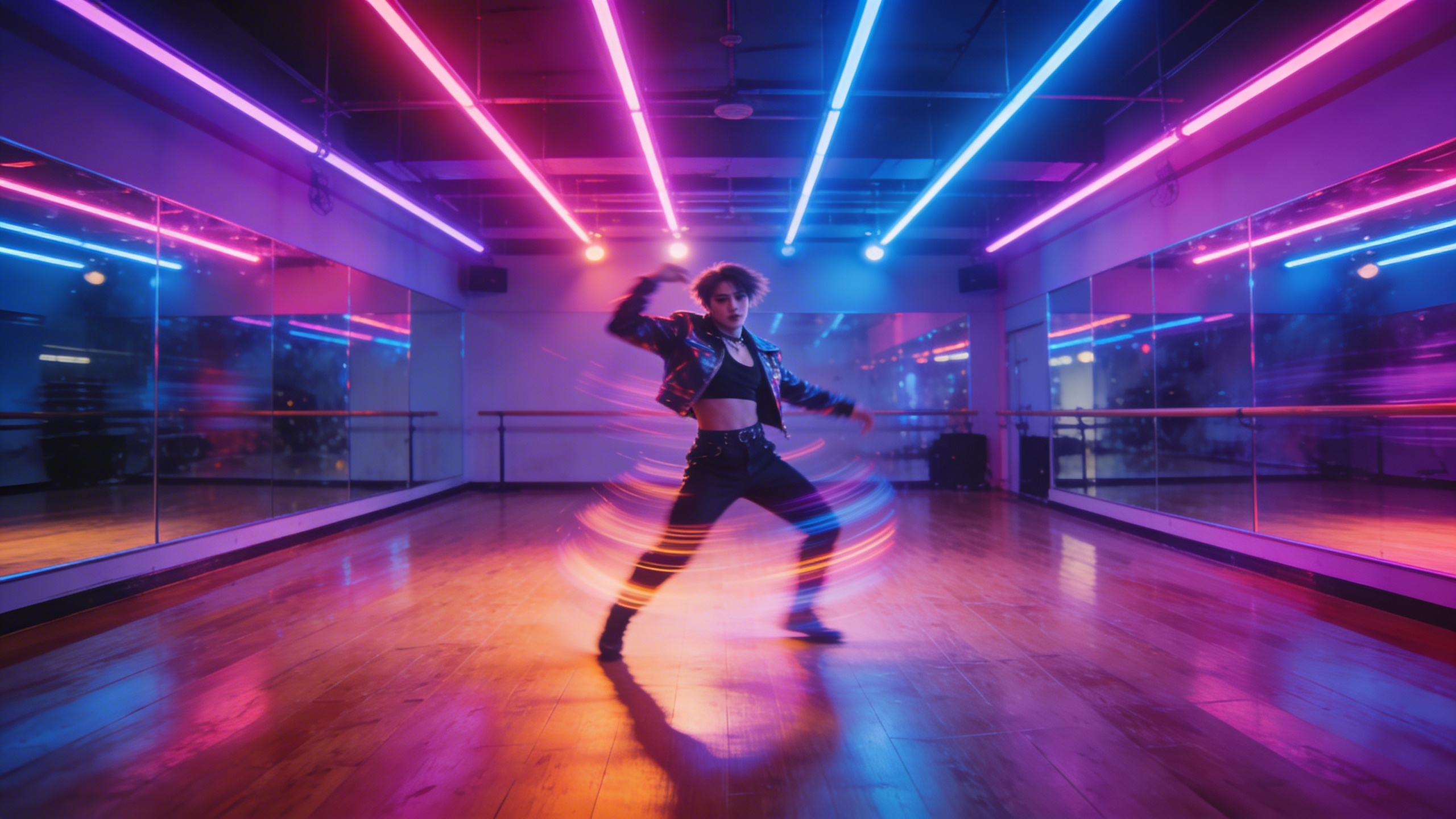
Cherry Dancing
Dom Dancing
Moona Singing
Miles Between Your Hands
Miles Between Your Hands II
New Name On The Door
Dance Stroll
Cinematic Scene
Need an original soundtrack first? Create one with our AI Music Generator.
Key Features of AI Music Video Generator
Everything you need to create multi-scene music videos with AI.
AI Storyboard Generation
Upload your song and the AI writes a complete storyboard with scene descriptions, camera angles, and transitions tailored to your music's mood and lyrics.
Custom Characters
Add character photos and descriptions. The AI includes your characters in the generated scenes with consistent appearance across the entire music video.
8 Visual Styles
Choose from anime, cinematic, realistic, watercolor, comic, cyberpunk, fantasy, or minimalist. Each style completely changes how your scenes look.
10+ Video Models
Pick from Grok, Seedance, Vidu, Kling, WAN, and more video generation models. Each offers different quality, speed, and style options.
Track Editor & Timeline
Arrange scenes on a visual timeline. Trim clips, reorder sections, and merge everything into a single MP4 video ready for download.
Multiple Video Modes
Story mode for narrative MVs, singing mode for lip-sync performance, mixed mode for both, and dancing mode for choreography-focused videos.
What Can You Create with AI Music Video Generator?
From independent artists directing their own music videos to creative agencies producing visual content at scale, our MV Director provides a complete AI-powered video production workflow.
Viral TikTok & Reels Content
Create scroll-stopping music videos optimized for social media. The AI builds storyboards from your song and generates scene-by-scene visuals with cinematic transitions. Choose from anime, cinematic, or realistic styles. Perfect for building your audience with consistent, high-quality content that stands out in crowded feeds.

YouTube Music Videos
Transform your songs into full multi-scene music videos for YouTube. Upload your track, add character descriptions, and the AI generates a complete storyboard with matching visuals. Export in HD quality ready for publishing. Ideal for independent artists looking to grow their YouTube presence.

Promotional Music Clips
Generate promotional videos for upcoming releases, concerts, or music events. Upload your song, define characters and scenes, and the AI creates a polished multi-scene video with transitions and effects. Perfect for marketing campaigns and social media announcements.

Spotify Canvas & Streaming
Create looping video content for Spotify Canvas and other streaming platforms. Use the track editor to merge scenes into a polished video loop that enhances the listening experience and increases engagement. Stand out from static album art with dynamic AI-generated visuals.

Why Choose AirMusic AI Music Video Generator?
See why creators pick our AI music video generator.
AI Storyboard Generation
Upload your song and the AI writes a full storyboard with scene descriptions, camera angles, and transitions. No scripting skills needed.
Custom Characters & Styles
Add character photos and descriptions. Choose from anime, cinematic, realistic, cyberpunk, and more visual styles for your music video.
Multi-Scene Track Editor
Arrange, trim, and reorder scenes on a visual timeline. Merge all clips into one MP4 video and export or share directly.
Secure & Private
Your music and videos are encrypted during processing. We never share or sell your content. Files are automatically deleted after 30 days.
What Users Say About AI Music Video Generator
Hear from creators who made music videos with our tool.
Full MVs Without a Video Team
I uploaded my track, added character photos, and the AI wrote the entire storyboard for me. Each scene had camera angles and transitions already planned. I just clicked generate and got a complete music video in under an hour. No editing skills needed.
Marcus Johnson
Independent Artist
Multi-Scene Videos Made Easy
Managing content for three artists means I need music videos fast. The storyboard editor lets me rearrange scenes, swap visual styles, and regenerate any frame I don't like. The track editor merges everything into one MP4. My clients love the results.
Emily Rodriguez
Social Media Manager
Cinematic Quality on a Budget
The visual style options are impressive. I switch between cinematic and anime depending on the song mood. The AI generates keyframe images that actually match the lyrics and beat. I've published five music videos this month alone.
David Kim
Music Producer
Explore More AI Video & Music Tools
Discover our full suite of AI-powered video and music creation tools


How to Create AI Music Videos
Make a complete music video in three steps.
Step 1: Upload Song & Add Characters
Upload your song and create character profiles with reference images. Define their appearance, expressions, and roles in the music video narrative.
Step 2: Generate & Edit Storyboard
The AI generates a scene-by-scene storyboard with visuals matching your song. Edit prompts, rearrange scenes, and regenerate any frame until satisfied.
Step 3: Merge & Export Video
Finalize your storyboard and let the AI render all scenes into a complete music video. Preview the full video and export in high-quality format.
Frequently Asked Questions
Create Your First AI Music Video
Upload a song, let AI write the storyboard, and export a complete music video in minutes.